
Reef Tank Automation Guide: Controllers, ATO, Dosing & Smart Monitoring
A complete guide to automating your reef aquarium — from basic auto top-off and dosing pumps to full Neptune Apex ecosystems with automated water testing. Compiled from Neptune Systems, Bulk Reef Supply, Top Shelf Aquatics, Fish Tank Advisor, Humble.Fish, and the Reef2Reef community.
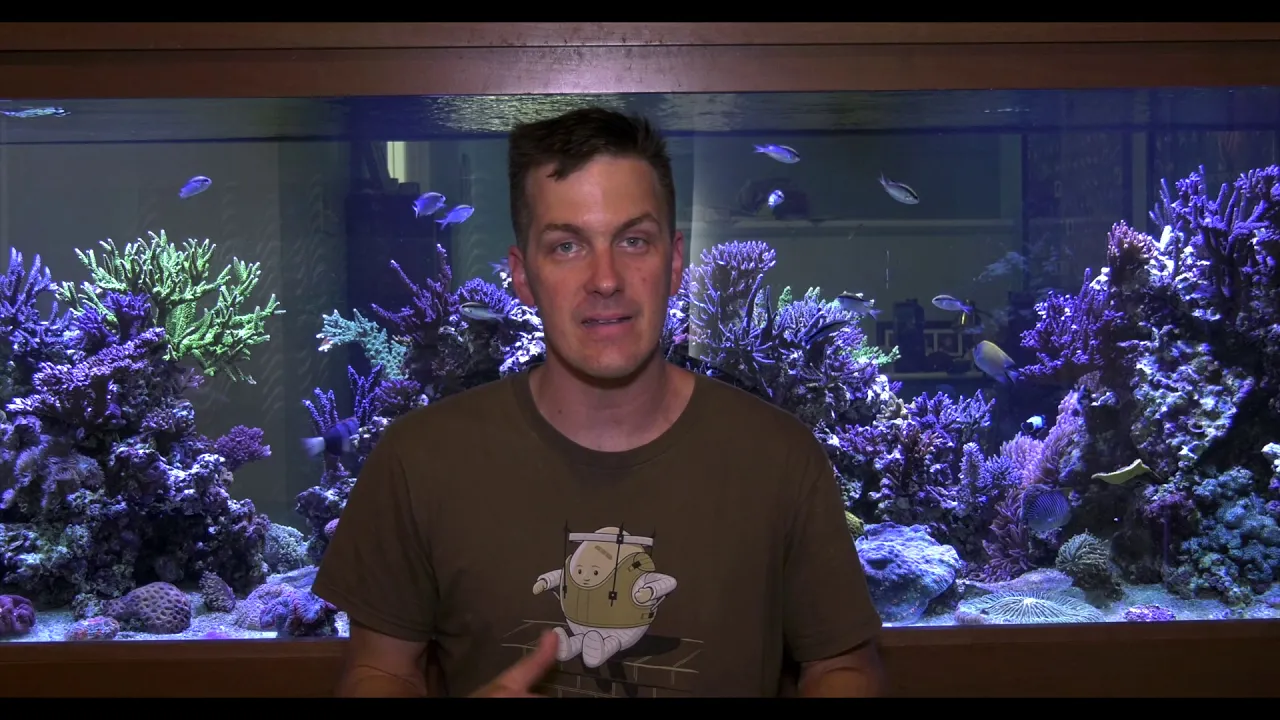
▶ Watch it done: related tank tours
All tours →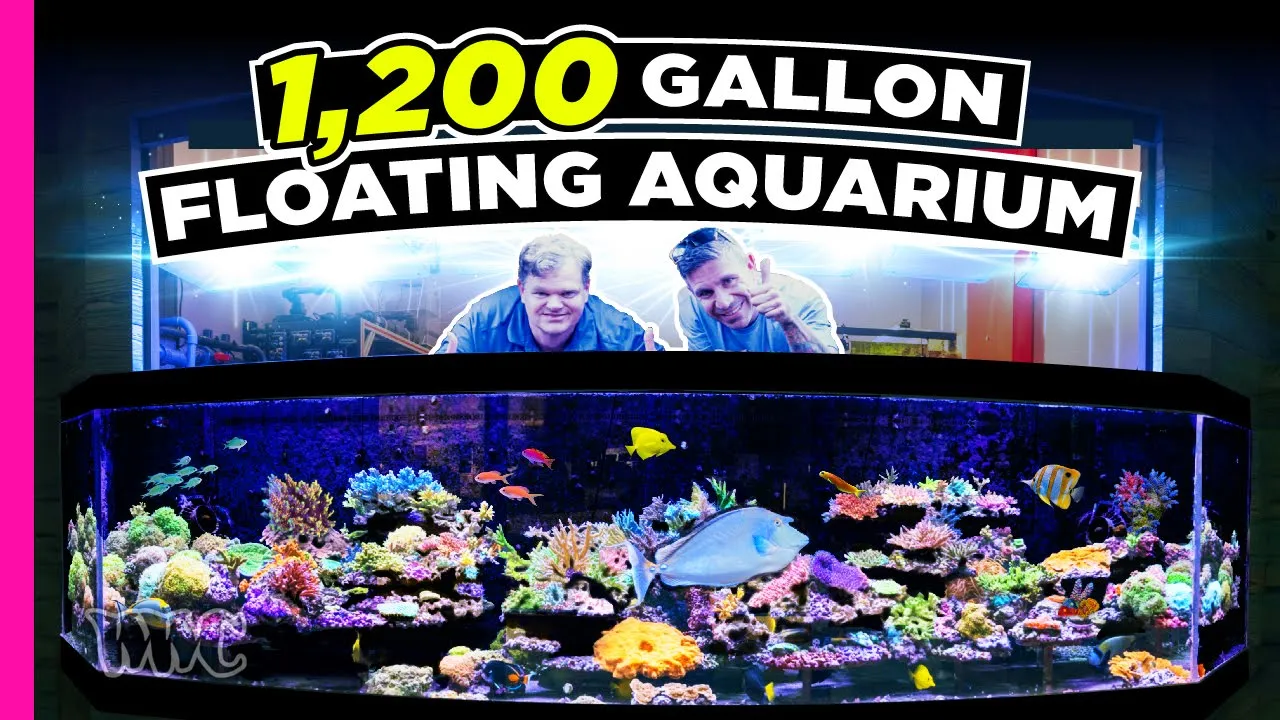
1. Why Automate Your Reef Tank
Reef aquariums are living ecosystems that demand unwavering consistency. The corals, fish, and invertebrates in your tank evolved in an ocean where temperature varies by fractions of a degree, alkalinity holds rock-steady, and salinity never spikes overnight. Automation bridges the gap between what nature provides and what human schedules allow — it keeps parameters stable when you’re asleep, at work, or on vacation [1].
Manual reef keeping works, but it introduces variability. You might forget a dose, top off too late, or miss a temperature swing during a heatwave. Every inconsistency is a stress event for your corals, and SPS corals in particular can respond to alkalinity swings of just 0.5 dKH with tissue recession [2]. Automation doesn’t replace good husbandry — it amplifies it.
Stability
Machines dose the same amount at the same time every day. No Monday-morning oversights, no Friday-night forgetfulness. Dosing pumps deliver alkalinity, calcium, and magnesium in small, frequent increments — exactly what corals prefer [2].
Vacation-Proofing
A properly automated tank can run unattended for weeks. ATO keeps salinity stable, dosing pumps maintain chemistry, and controllers send phone alerts if anything drifts [1].
Early Warning
Controllers with probes detect temperature spikes, pH crashes, and equipment failures in real time. A stuck heater at 2 AM gets flagged immediately rather than discovered the next morning after a tank crash [3].
Reduce Human Error
Manual dosing with syringes is imprecise. A peristaltic pump calibrated to 1 mL accuracy removes guesswork and eliminates the risk of a double-dose — one of the most common causes of alkalinity spikes [4].
Consistency Over Time
As your coral colony grows, consumption rates change. Automated testing systems like the Neptune Trident track trends and adjust dosing automatically, adapting to your tank’s evolving demands [5].
Peace of Mind
Knowing your tank is monitored 24/7 with automated failsafes — leak detectors that kill pumps, heater guards that cut power on overheat — lets you actually enjoy the hobby instead of worrying about it [3].
2. Auto Top-Off (ATO)
Evaporation is the single biggest daily parameter change in any reef tank. As water evaporates, salt stays behind, concentrating salinity. In a typical 50-gallon reef, you can lose 1–2 gallons per day depending on ambient humidity, flow, and lighting heat [6]. An ATO system detects the water level drop and pumps fresh RO/DI water from a reservoir back into the sump, keeping salinity locked at your target.
How It Works
Every ATO has three components: a sensor in the sump that detects low water, a pump that moves RO/DI water from a reservoir, and a controller that manages the logic and safety timeouts. When the water level drops below the sensor, the pump activates. When the level returns to the set point, the pump shuts off. Most modern ATOs include a secondary safety sensor or a maximum run-time limit to prevent flooding if the primary sensor fails [6].
Optical vs. Float Switch Sensors
Optical Sensors
Float Switches
+ Simple, proven technology
+ Unaffected by salt creep or bubbles
+ Very affordable
- Mechanical parts can stick in salt deposits
- Snails and debris can jam the float
Used by: Tunze Osmolator (dual), Hydros ATO
Popular ATO Models
| Model | Sensor Type | Safety Features | Best For | Price Range |
|---|---|---|---|---|
| Tunze Osmolator 3155 | Dual (optical + float) | Redundant sensors, max run timer | SPS Reliable | $180–220 |
| AutoAqua Smart ATO Duo | Dual optical | Dual sensors, magnetic mount, leak mat | SPS Popular | $110–150 |
| XP Aqua Duetto 2 | Dual optical | Dual sensors, dry-run protection | Mixed Value | $80–110 |
| Hydros ATO Kit | Float switch | App integration, smart alerts | Mixed Smart | $70–100 |
| Neptune Apex ATK | Optical (Apex LLS) | Full Apex integration, programmable | SPS Apex Users | $100–140 |
Reservoir Sizing
Size your RO/DI reservoir to last at least 5–7 days without refilling. For a 50-gallon reef tank losing 1.5 gallons per day, that’s a minimum 10-gallon reservoir. Larger is better — a 20-gallon Brute bin gives you two weeks of buffer and means you can leave for vacation without worrying [6]. Always use food-grade HDPE containers and keep them covered to prevent dust and algae growth.
3. Dosing Pumps
As corals grow, they consume calcium and carbonate (alkalinity) from the water to build their skeletons. Water changes alone cannot keep up with this demand in a thriving reef — you need to supplement daily [7]. Dosing pumps automate the delivery of two-part solutions (calcium + alkalinity), magnesium, trace elements, and other additives on a precise, repeatable schedule.
How Peristaltic Pumps Work
Nearly all reef dosing pumps use peristaltic (roller) technology. A set of rollers compresses flexible tubing against a housing, creating a sealed pocket of liquid that is pushed forward with each rotation. The key advantage is that the liquid only touches the tubing — never the pump mechanism — so there is no contamination between solutions and the pump is self-priming [4]. Flow rate is determined by tubing diameter and roller speed, making these pumps highly repeatable once calibrated.
Calibration
Calibration is critical. Run the pump for a set time (e.g., 60 seconds), measure the actual volume dispensed with a graduated cylinder, and enter the result into the controller. Re-calibrate every 2–4 weeks as tubing stretches and loses elasticity [4]. Replace tubing every 6–12 months depending on usage. BRS recommends calibrating with the actual solution you’ll be dosing, as viscosity affects flow rate [4].
Single-Head vs. Multi-Head
Single-Head Pumps
Popular Dosing Pumps
| Model | Channels | App/WiFi | Best For | Price Range |
|---|---|---|---|---|
| Neptune DOS QD | 1 (per unit) | Apex Fusion | SPS Apex | $250–300 |
| GHL Doser 2.1 | 2–4 | GHL Connect | SPS Premium | $300–500 |
| Kamoer X4 | 4 | WiFi app | Mixed Value | $120–160 |
| Jebao DP-4 | 4 | WiFi app | Mixed Budget | $60–90 |
| Coral Box WiFi Doser | 4 | WiFi app | LPS Budget | $70–100 |
4. Aquarium Controllers
An aquarium controller is the brain of your automated reef. It collects data from probes and sensors, makes decisions based on your programmed rules, and controls equipment through smart power outlets. Think of it as a “smart home” system built specifically for aquariums [3].
What Controllers Monitor
- Temperature: The most critical parameter — a stuck heater can cook a tank in hours. Controllers cut power to heaters if temperature exceeds your set point [3].
- pH: Tracks daily pH swing (typically 7.9–8.3) and alerts on extremes. Some controllers can activate a CO2 scrubber or open a window fan when pH drops [8].
- ORP (Oxidation Reduction Potential): Measures water “cleanliness” — higher ORP indicates better oxidation. Available on premium controllers like the Apex Pro [3].
- Salinity / Conductivity: Advanced probes track salinity drift in real time, alerting you to ATO failures or evaporation issues [3].
- Water level: Optical and float sensors detect sump level, leak events, and ATO reservoir status [3].
What Controllers Control
- Heaters & chillers: Dual-stage temperature control — heat below set point, cool above [3]
- Lights: Sunrise/sunset ramp schedules, cloud simulation, moonlight cycles [8]
- Return pumps & powerheads: Wave patterns, feed mode (pause flow during feeding) [3]
- Dosing pumps: Scheduled or feedback-driven dosing based on test results [5]
- Protein skimmers: Delayed restart after feeding, shut off during water changes [3]
- ATO pumps: Smart top-off with safety timeouts and leak detection interlock [3]
Controller Comparison
| Controller | Probes Included | Outlets | Cloud / App | Expandable | Price Range |
|---|---|---|---|---|---|
| Neptune Apex A3 Pro | Temp, pH, ORP | 8 (Energy Bar 832) | Apex Fusion | Highly (Trident, DOS, FMM, WAV) | $1,000–1,200 |
| Neptune Apex A3 Standard | Temp, pH | 8 (Energy Bar 832) | Apex Fusion | Highly | $700–850 |
| Neptune Apex A3 Jr | Temp, pH | None (add separately) | Apex Fusion | Moderate | $350–450 |
| Hydros Control 4 | Temp, pH | 4 (wireless strip) | Hydros App | Moderate | $350–500 |
| GHL ProfiLux 4 | Temp, pH, ORP, conductivity | Via Powerbar (6–12) | GHL Connect / myGHL | Highly | $800–1,500 |
| Seneye Reef | Temp, pH, ammonia, PAR | None (monitor only) | Seneye Dashboard | No | $150–200 |
5. Neptune Apex Deep Dive
The Neptune Apex is the most widely adopted reef controller in the hobby. Its modular architecture means you can start with a base unit and add capabilities over time — dosing, automated testing, wave pumps, leak detection — all managed through a single cloud dashboard [3].
Apex Base Unit (A3 Series)
The A3 series comes in three tiers: Jr, Standard, and Pro. All share WiFi connectivity and Apex Fusion cloud access. The Standard includes the Energy Bar 832 (eight individually controllable 120V outlets), temperature and pH probes. The Pro adds ORP monitoring, four 0–10V variable outputs for dimming-compatible equipment, and an additional FMM port [3].
Energy Bar 832
The Energy Bar is your power strip on steroids — eight outlets, each individually controllable and monitored for power draw. You can program any outlet to turn on/off based on time, temperature, pH, or any other parameter your Apex monitors. If your heater’s outlet draws zero watts, the Apex knows the heater died and alerts you [3].
Probes & Sensors
Included Probes
- Temperature probe (all models)
- pH probe (all models)
- ORP probe (Pro only) [3]
Add-On Sensors
- Liquid Level Sensors (LLS) — 4″, 15″, 23″, 35″ [3]
- Leak Detection Sensors (5m wire)
- Conductivity / Salinity probe
- Dissolved Oxygen probe
Trident — Automated Water Testing
The Trident is a game-changer for SPS keepers. It automatically tests alkalinity, calcium, and magnesium up to 24 times per day using less than 7 mL of tank water per test [5]. Precision is ±0.05 dKH for alkalinity and ±15 ppm for calcium and magnesium [5]. Results appear in Apex Fusion with trend graphs and customizable high/low alerts.
When paired with the DOS dosing pump, Trident enables Automatic Dosing Control (ADC) — the system measures your parameters, calculates the drift, and adjusts dosing rates automatically with a safety cap of ±35% adjustment per cycle [5]. The Trident NP add-on tests nitrate (±1 ppm) and phosphate (±0.01 ppm) once daily [5].
FMM Module
The Fluid Monitoring Module (FMM) connects optical sensors, leak detectors, and flow meters to your Apex. It provides the data backbone for ATO level monitoring, sump level alerts, and reservoir empty warnings — all feeding into your Apex programming rules [3].
Apex Fusion Cloud Dashboard
Fusion is Neptune’s free cloud service. It provides real-time graphs of every parameter, historical trends, equipment status, and phone/email/SMS alerts. You can control any outlet, adjust programming, and view Trident results from anywhere in the world. Setup takes just a few minutes over WiFi [3].
Programming Basics
Apex uses a simple scripting language for outlet control. Programs look like:
Fallback OFF
Set OFF
If Temp > 79.0 Then ON
If Temp < 77.0 Then OFF
This example controls a chiller fan: it turns on when temperature exceeds 79°F and off below 77°F. The Fallback OFF line ensures the outlet stays off if the Apex loses communication with the temperature probe — a critical safety measure [3].
6. Automated Water Changes
Automated water changes eliminate the most tedious task in reef keeping. Instead of a weekly bucket brigade, the system drains old water and replaces it with fresh saltwater on a schedule — daily micro-changes that maintain stability far better than large weekly swaps [9].
Neptune DOS Method
The Neptune DOS QD is purpose-built for automated water changes. Two DOS units work in tandem: one drains old tank water to waste, the other pumps pre-mixed saltwater in from a reservoir. The Apex coordinates both pumps to maintain stable sump level throughout the exchange. The DOS can handle up to 30 gallons daily with a flow range of 0.1–250 mL per minute [9].
Timer-Based Pump Method
A budget alternative: use two small pumps on a digital timer. One pump runs for a set duration to drain, the other runs immediately after to fill. This works but lacks the feedback loop of a controller-based system — if your drain pump clogs, the fill pump still runs and floods your sump [9].
Auto-Mix Systems
Some reefers combine automated water changes with automated salt mixing. A float valve fills a mixing container with RO/DI water, a heater and pump keep it circulating, and salt is pre-measured. When the Apex triggers a water change, freshly mixed saltwater is ready in the reservoir [9]. The key risk is precipitation — pre-mixed saltwater should be used within 48 hours for most salt brands.
7. Smart Monitoring
You don’t need a full controller to start monitoring your tank remotely. Standalone smart devices provide real-time data and alerts without the complexity of an Apex or GHL system [10].
WiFi Temperature Monitors
Devices like the Inkbird IBS-TH2 Plus and SensorPush HT.w track temperature and humidity with WiFi alerts to your phone. Place a probe in your sump and get instant notifications if temperature exceeds your thresholds. These cost $30–60 and provide 90% of the “peace of mind” value of a full controller [10].
Leak Detectors
Water damage from a reef tank is catastrophic — and preventable. WiFi leak sensors placed under your sump, behind the stand, and near reservoir connections alert you the moment water touches the floor. When integrated with a controller, leak detection can automatically shut off return pumps and ATO to prevent further flooding [3]. Standalone options like the Govee WiFi Water Sensor ($15–20) or the Neptune Apex leak sensor ($25) provide immediate phone alerts.
Camera Monitoring
A cheap WiFi camera ($20–40) pointed at your sump is surprisingly valuable. You can visually verify water level, check that protein skimmer cups aren’t overflowing, confirm pumps are running, and observe fish behavior — all from your phone. Some reefers set up time-lapse to track coral growth over months [10].
Phone Alerts & Integration
Most controllers and smart monitors support push notifications, email, and SMS alerts. Set up alerts for:
- Temperature: Alert if above 80°F or below 75°F [3]
- pH: Alert if above 8.4 or below 7.8 [3]
- Alkalinity drift: Trident alerts if alk moves more than 0.5 dKH from your target [5]
- Power outage: Many controllers detect when power drops and send a final alert via WiFi (if your router has battery backup) [3]
- Equipment failure: Energy Bar detects zero wattage on outlets that should be drawing power [3]
8. Budget Automation Tiers
You don’t have to automate everything at once. Here’s a practical roadmap from basic to fully automated, with realistic costs [1] [3]:
| Tier | Budget | Equipment | What It Solves |
|---|---|---|---|
| Basic | $100–200 | Digital timer + ATO (XP Aqua or Hydros) + WiFi thermometer | Stable salinity, light schedule, temperature alerts |
| Mid-Tier | $300–600 | ATO + dosing pump (Kamoer X4 or Jebao DP-4) + WiFi temp monitor + leak detector | Stable chemistry, daily dosing, temperature monitoring, flood protection |
| Advanced | $800–1,500 | Neptune Apex A3 Standard + Energy Bar + DOS + Trident + leak sensors | Full parameter monitoring, auto-dosing, auto-testing, equipment control, cloud alerts |
| Ultimate | $2,000–3,000+ | Apex Pro + 2x DOS + Trident + Trident NP + FMM + WAV pumps + auto water change | Everything above + auto water changes, nitrate/phosphate tracking, wave control, fully hands-off |
9. Frequently Asked Questions
Do I really need an aquarium controller?
Not necessarily. Many successful reef tanks run without a controller. However, a controller becomes increasingly valuable as your coral collection grows in value and sensitivity. For a softie or LPS tank, a basic ATO and dosing pump may be all you need. For an SPS-dominant tank with $5,000+ in coral, a controller that can shut off a stuck heater at 2 AM pays for itself the first time it prevents a crash [3] [8].
What should I automate first?
Is the Neptune Apex worth the price?
For serious reef keepers, yes. The Apex ecosystem (controller + Trident + DOS) costs $1,500–2,500 fully loaded, but it provides 24/7 monitoring, automated water testing up to 24 times daily, feedback-controlled dosing, and phone alerts for every parameter. The Trident alone replaces hundreds of dollars in annual test kit costs while providing far more data. If your tank contains high-value SPS coral, the Apex is widely considered the best investment in the hobby [3] [5].
How often should I calibrate my dosing pump?
Calibrate every 2–4 weeks and whenever you replace tubing. Peristaltic pump tubing stretches with use, gradually reducing flow accuracy. Use a graduated cylinder to measure actual output vs. programmed output. Replace tubing every 6–12 months — it’s the consumable part of the system [4].
Can I use a smart plug instead of a controller?
Smart plugs (like Kasa or Wemo) can handle basic on/off scheduling for lights and pumps, but they lack the sensor feedback that makes a controller valuable. A smart plug cannot read your tank temperature and shut off a heater in response. For basic scheduling, they work fine at $15–25 each. For safety-critical automation, you need a proper controller with probes [8].
What happens to my automated tank during a power outage?
During a power outage, all automation stops. The biggest risks are oxygen depletion (from no flow) and temperature drop. A battery-operated air pump ($15–30) is essential backup. Some reefers use a UPS (uninterruptible power supply) to keep the return pump and controller running for 1–4 hours. The Apex will send a final alert notification when power drops if your WiFi router has battery backup [3] [10].
References
Every factual claim in this guide is cited to its original source. Click any [n] in the text above to jump here.
- Bulk Reef Supply — “52 Weeks of Reefing: Starting a Saltwater Aquarium” — automation fundamentals and beginner roadmap
- Top Shelf Aquatics — “SPS Coral Stability: The Complete Guide to Maintaining Consistent Parameters” — alkalinity dosing frequency and stability thresholds
- Neptune Systems — Apex A3 Series product page — controller specs, Energy Bar 832, probes, FMM, Fusion cloud, programming
- Bulk Reef Supply — “52 Weeks of Reefing: Dosing & Reactors” — peristaltic pump mechanics, calibration, dosing schedules
- Neptune Systems — Trident automated water testing — precision specs, ADC dosing control, reagent info
- Reef2Reef — “Auto Top-Off Guide” — ATO sensor types, reservoir sizing, safety features
- Reef Chasers — “Alkalinity, Calcium, and Your Reef Tank” — why dosing is necessary and consumption rates
- Fish Tank Advisor — “Best Aquarium Controller” — Apex vs Hydros vs GHL vs single-function controllers
- Neptune Systems — DOS QuietDrive dosing pump — automated water changes, flow specs, Trident integration
- Reef2Reef — Smart monitoring community threads — WiFi temp monitors, leak detectors, camera setups
- Bulk Reef Supply — “Which Salt Mix Is Best?” — water change automation context
- Humble.Fish — Community discussions on controller comparisons and automation setups
- Hydros — Control 2 and Control 4 product pages — app-first design, wireless power strips
- GHL — ProfiLux 4 product information — European controller with advanced probe options
- Aquarium Store Depot — “Best Aquarium Controller” — Hydros as Digital Aquatics successor, controller safety features
- Seneye — Reef monitor product page — ammonia, pH, temperature, and PAR light monitoring
Related Equipment Guides
Automation is only as smart as the hardware driving it. These guides cover the equipment behind every rule:
Ready to build your reef?
Browse thousands of coral species from trusted Thai reef shops.
Browse Coral Collection